 WorkoutConverter
01 / CONVERT
Give it the right name
Change a workout’s activity type, preview the result, and save the new workout to Apple Health.
Made for your Apple Health workouts
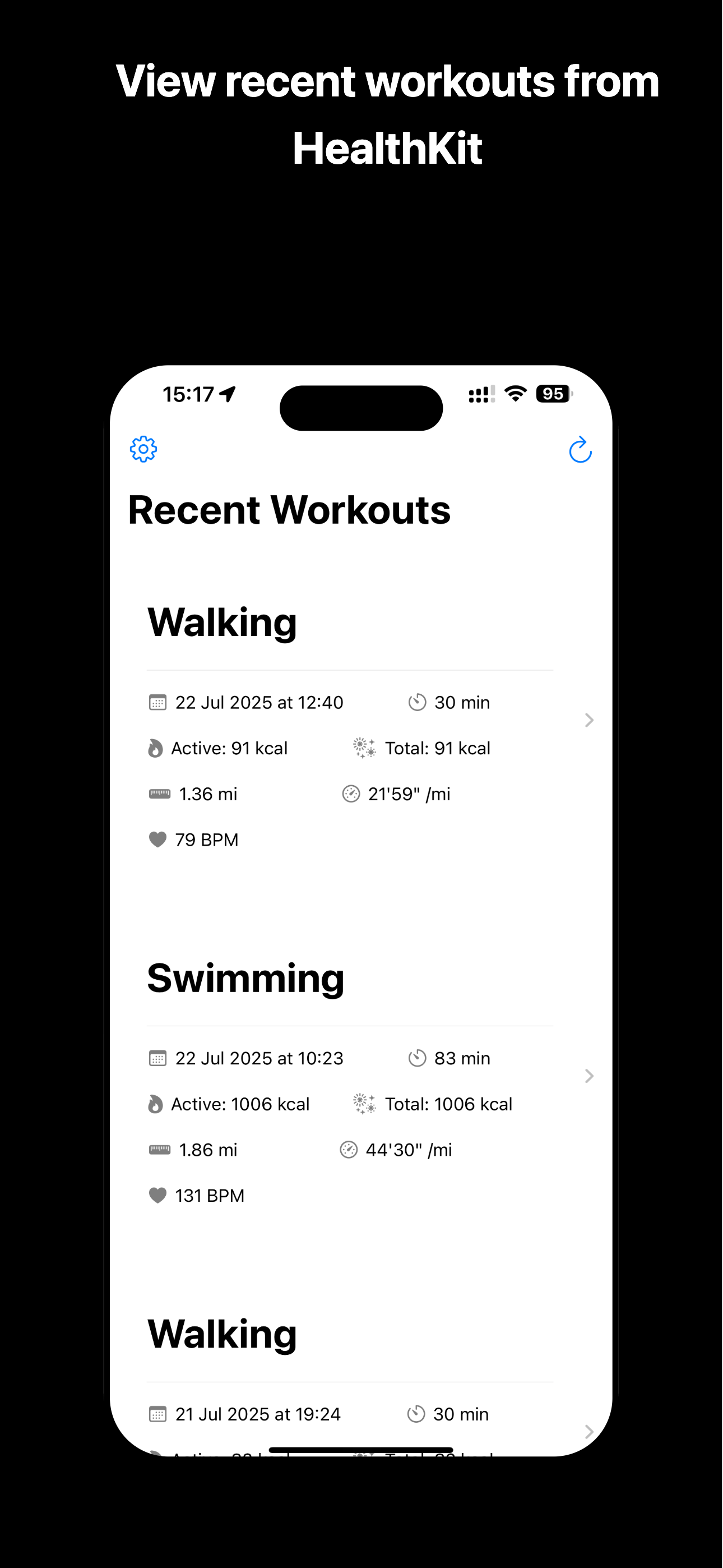
A walk recorded as a run? Give it the right name. Review your workouts, explore the details, and save a new workout with the activity type you intended.
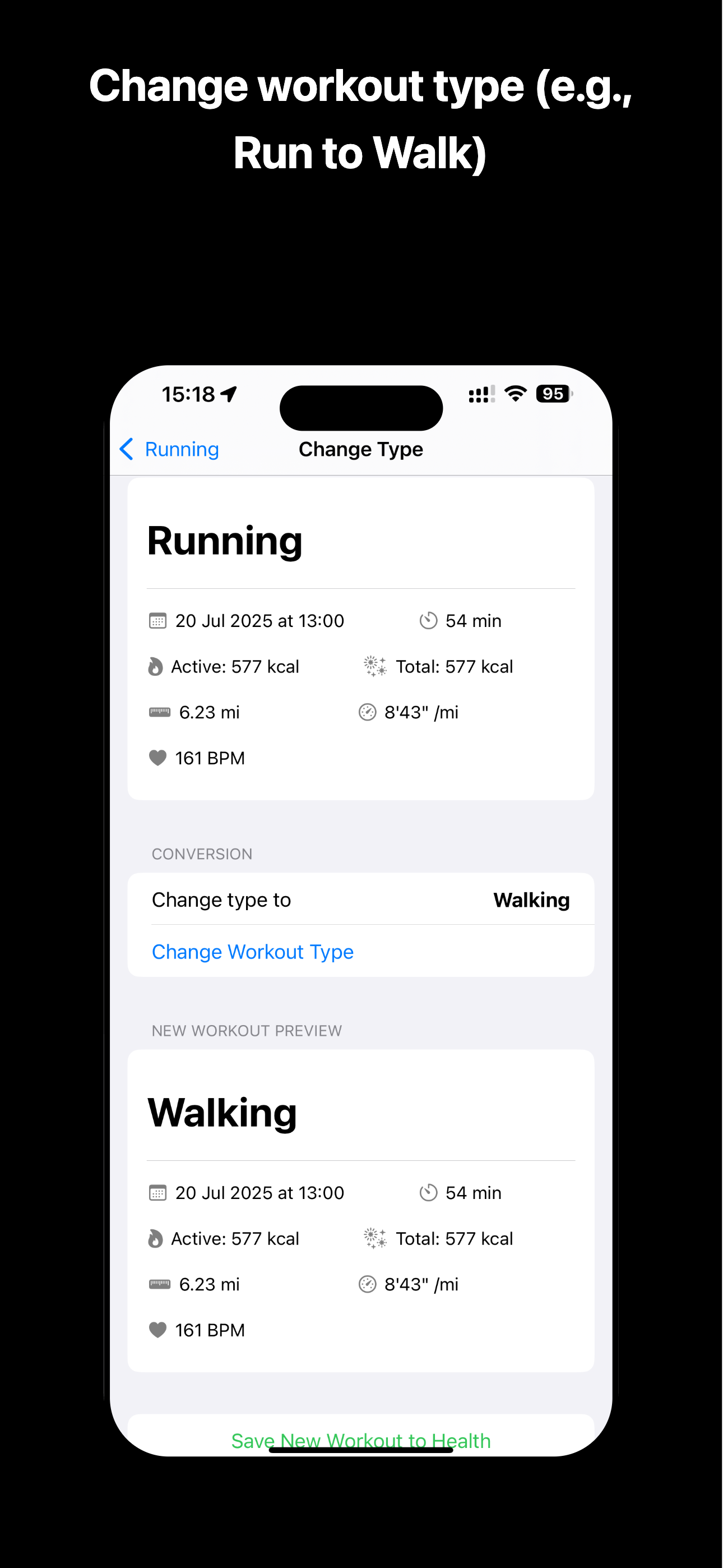
Change workout typesMake your activity match your effort.
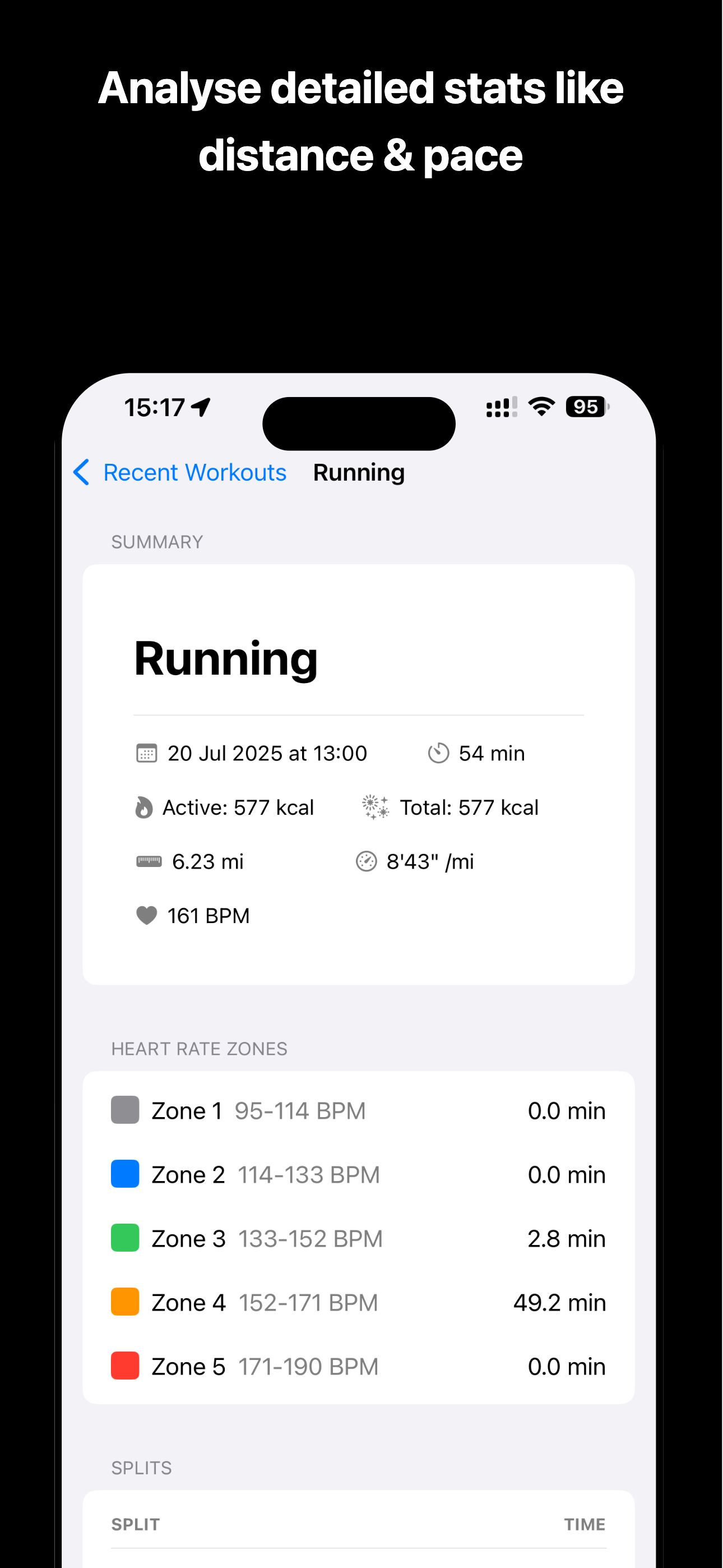
See the whole pictureStats, splits and routes in one place.
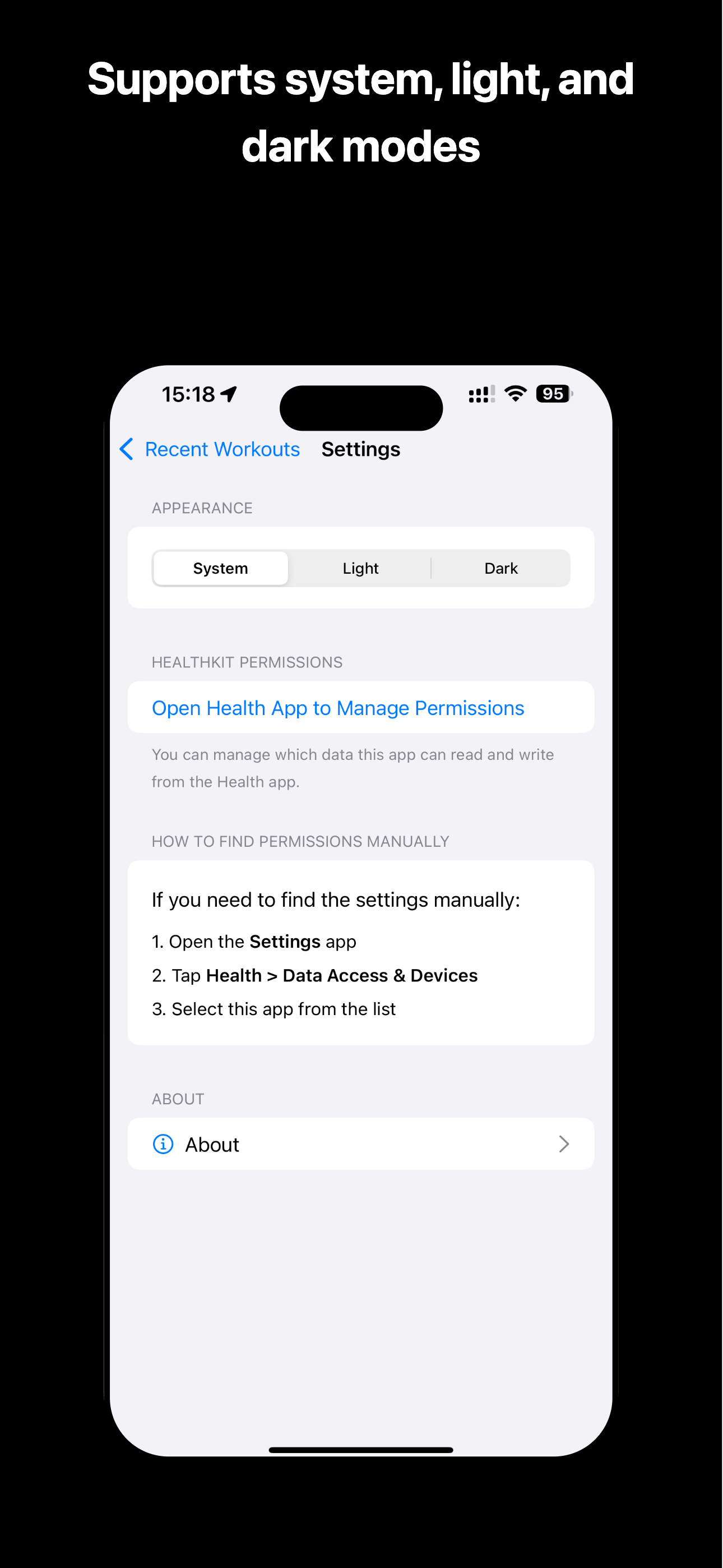
Works with Apple HealthReview and save your workouts.
EVERY WORKOUT, PROPERLY RECORDED
The effort is already done. WorkoutConverter helps you make sense of the details and put the right activity on record.
01 / CONVERT
Change a workout’s activity type, preview the result, and save the new workout to Apple Health.
02 / UNDERSTAND
Explore duration, pace, calories, heart rate zones and splits to see the details behind your session.
03 / EXPLORE
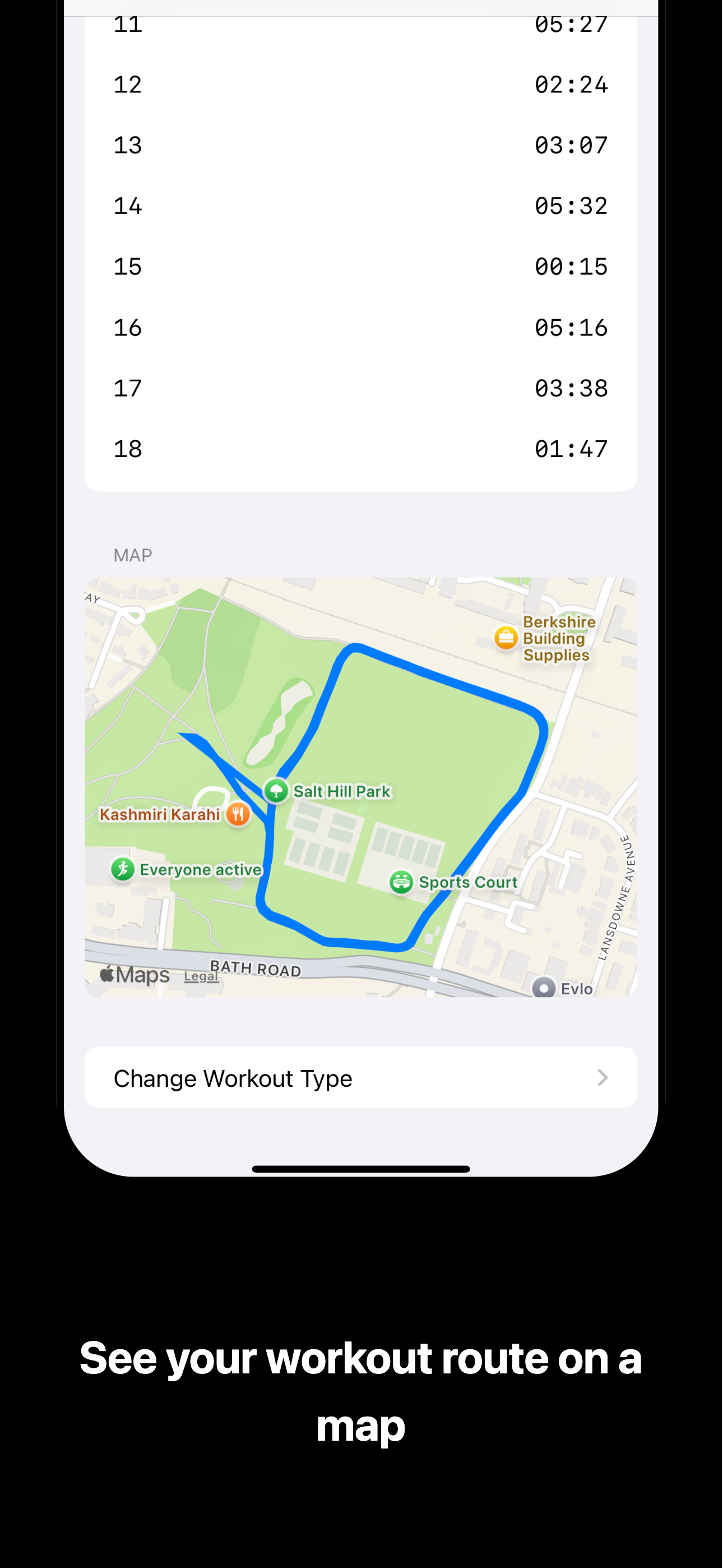
See where your workout took you with a map of the recorded route, right alongside your stats.
SIMPLE BY DESIGN
No need to start from scratch. Start with a workout you’ve already recorded.
Connect to Apple Health and choose a session from your recent workouts.
Open the workout, change its type, and check the new workout preview.
Save the new workout with the activity type that matches what you did.
INSIDE THE APP
From your latest session to your next correction. Scroll through the app, or select a screen for a closer look.
NEED A HAND?
Have a question, spotted an issue, or have an idea for WorkoutConverter? Get in touch and I’ll do my best to help.